
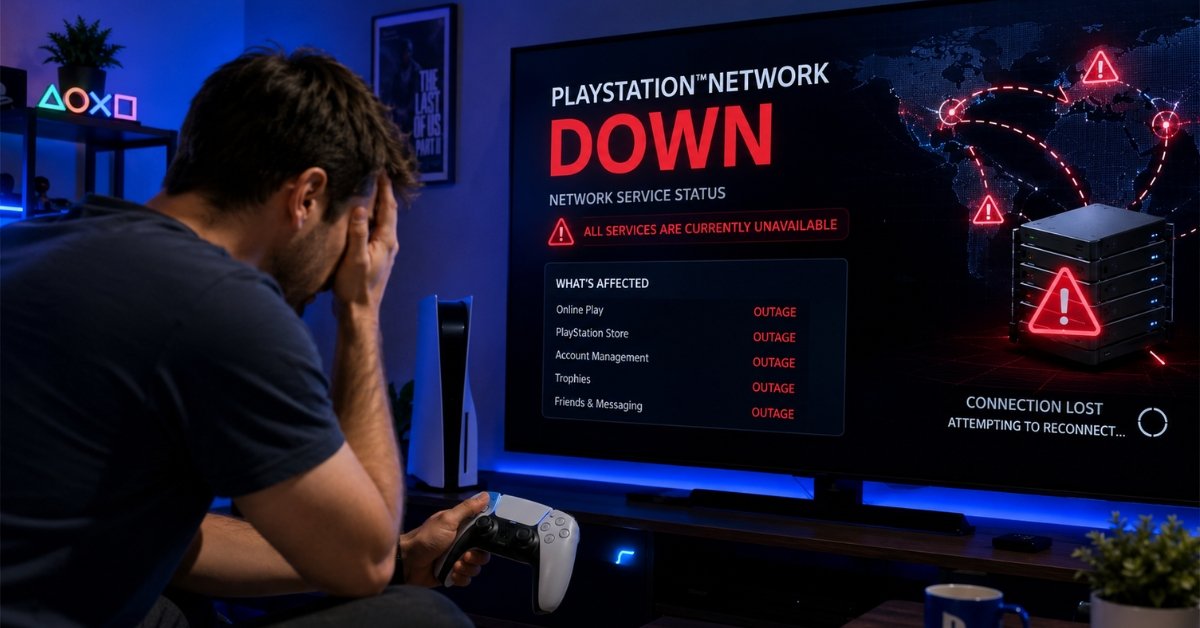
You sit down to play, controller in hand and PSN won’t sign you in. Classic. In my testing, most “is PlayStation Network down” scares turn out to be a router, NAT, or DNS issue on your end rather than an actual Sony outage. During my testing I’ve also seen the reverse real outages where the official status page said everything was fine while half of Twitter was locked out. Here’s how to tell which one you’re dealing with, and how to fix it.
Quick Status Check
- Check status.playstation.com first this is Sony’s official source.
- Cross-check Downdetector. Status pages sometimes report “all clear” before everyone’s actually reconnected; this happened during the March 2026 outage, when Japan kept reporting issues hours after Sony marked it resolved.
- Search X (Twitter) for “PSN down” to see if it’s a regional or global problem.
If all three agree it’s down, stop troubleshooting and skip to the last step below. Nothing on your end will fix a server-side outage.
Why This Error Occurs
- Server-side outage Sony’s regional servers or CDN nodes go down. Rare, but real: one recent outage ran about two hours, while an earlier incident kept PSN down for more than 24 hours.
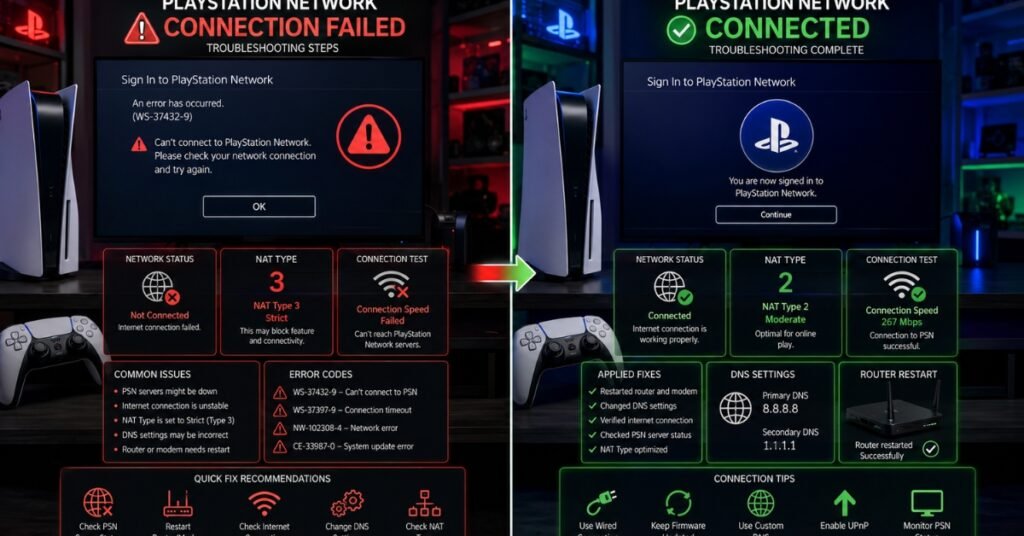
- NAT/port restrictions A “Strict” NAT type (Type 3) on your router causes drops and matchmaking failures that look exactly like a PSN outage but aren’t.
- DNS/ISP routing issues Your console can’t reach Sony’s servers even though PSN is fine for everyone else.
- Console-side cache corruption A corrupted local database can throw sign-in errors that mimic a server outage entirely. If you’re seeing a specific error code on your PS5, check our guide on PS5 Error Code CE-108255-1. It covers one of the most common codes that gets mistaken for a PSN outage.
How to Fix It
- Confirm status using the checks above if it’s confirmed down, skip to step 7.
- Unplug your router and modem for a full 30 seconds, then restart (modem first).
- Fully power off the console don’t use Rest Mode unplug for a minute, then restart.
- Rebuild the database in Safe Mode (usually option 5 on both PS4 and PS5).
- Check your NAT type under Settings > Network. If it’s Type 3, enable UPnP or forward PSN’s ports on your router.
- Switch your DNS to 8.8.8.8 / 1.1.1.1 in my experience this fixes more “PSN down” cases than people expect.
- If it’s a confirmed outage, just wait and recheck status.playstation.com periodically past outages have run anywhere from two hours to over a day.
Checking Methods Compared
| Method | Speed | Accuracy | Best For |
| Official Status Page | Slow | High once updated, but lags | Official confirmation |
| Downdetector | Fast | Good for spotting spikes | Real-time validation |
| X (Twitter) | Very fast | Mixed, anecdotal | Regional context |
FAQ
Is PSN down right now?
Check status.playstation.com directly; this changes hour to hour, so there’s no fixed answer.
How long do PSN outages usually last?
Most resolve in 1–3 hours, but major infrastructure issues have run 24+ hours in the past.
Does Sony compensate users for downtime?
Sometimes. PlayStation Plus subscribers received five free days of service after one major 2026 outage, though shorter incidents usually don’t come with compensation.
Why does my console say I’m offline when the status page shows no issues?
Usually a status-page lag, a NAT/port restriction, or a local DNS problem work through the fix list above before assuming it’s Sony’s fault.
Disclaimer: This article is for educational purposes only. PSN status and Sony’s compensation policies can change without notice, always verify with Sony’s official channels before taking action.