
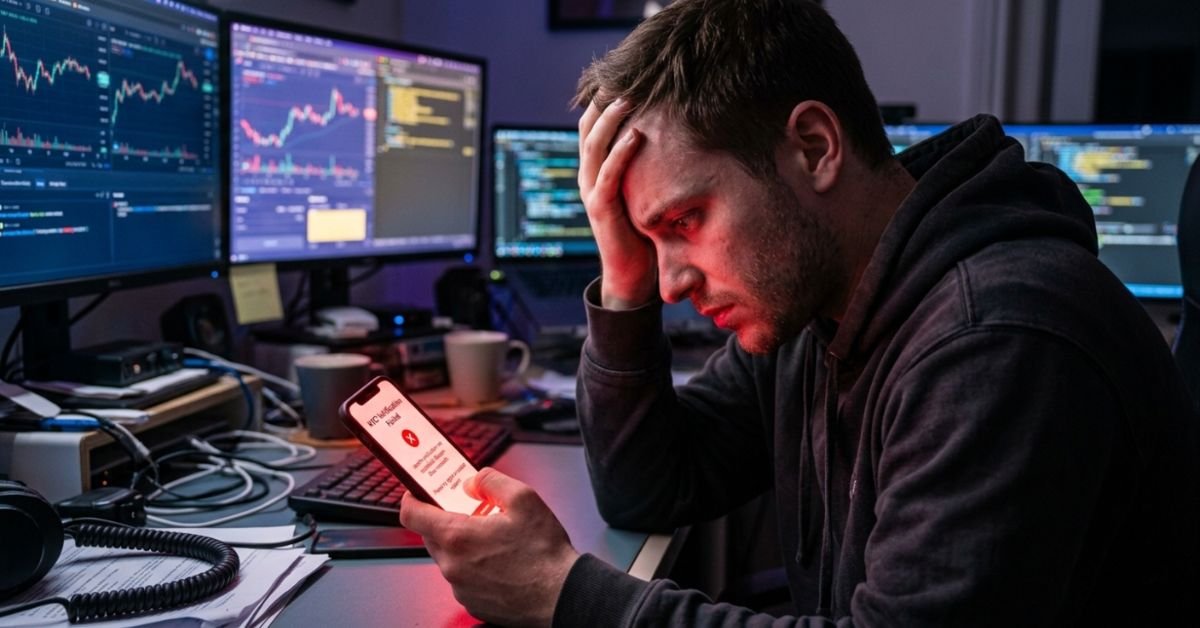
The Quick Fix: Most Binance verification failures in 2026 are caused by OCR glare, outdated app versions, or “Ghost Accounts” (forgotten old profiles). To fix this immediately: clear your app cache, use a matte background for ID photos, and ensure your ID’s NFC chip is scanned correctly.
Why is my Binance verification failing in 2026?
Binance now uses advanced Biometric Liveness Detection and OCR (Optical Character Recognition). The system is looking for 100% data consistency. If the AI detects even a tiny mismatch, it triggers an automatic rejection.
1. The “Ghost Account” Conflict
You cannot have two accounts. If you signed up years ago and forgot, your new application will fail because your ID is already linked to the old email.
2. Technical Scanning Errors
- The Glare Factor: Modern IDs have holograms that reflect light, “blinding” the scanner.
- The Corner Rule: If the AI cannot see all four corners of your document, it flags it as a “potential photocopy.”
- NFC Chip Issues: In 2026, many IDs require an NFC scan. Ensure your phone’s NFC is turned on and placed directly against the ID.
How to Fix Binance Verification Errors (Step-by-Step)
Video Guide: Visual Walkthrough of the 2026 KYC Process
If you’re a visual learner, watch this 3-minute breakdown (External Link). It shows the exact camera angles and lighting setups needed to pass the biometric liveness test on the first try.
Step 1: The “Clean Slate” Protocol
Before retrying, you must clear the technical “residue” that causes repeat failures:
- Force Stop & Clear Cache: Go to your phone settings > Apps > Binance > Clear Cache.
- Update the App: Outdated versions often have bugs in the camera module.
- Check Connection: Switch from Wi-Fi to 5G/LTE. Sometimes firewall settings on home Wi-Fi block the biometric upload.
Step 2: The Perfect Photo Setup
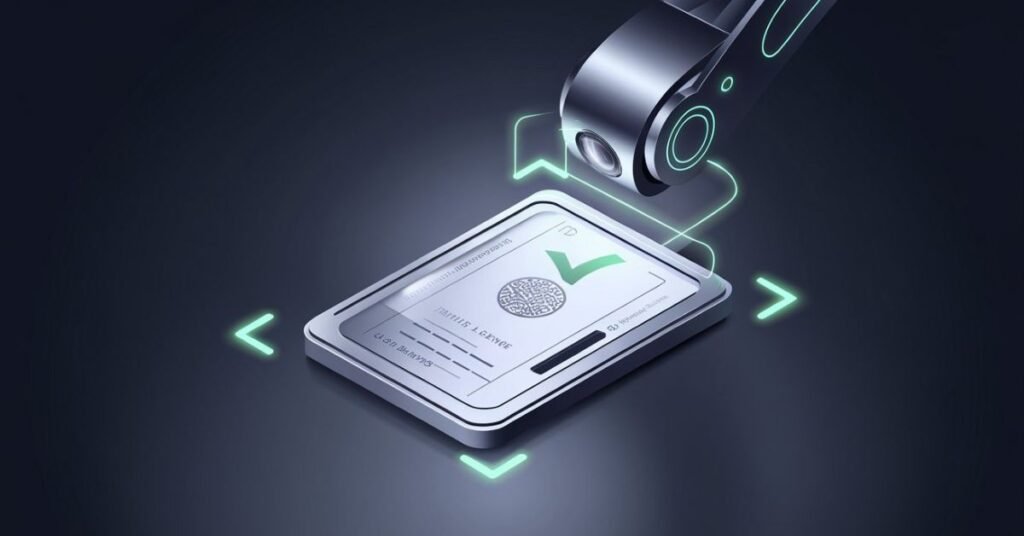
I’ve found that environment is 90% of the success rate.
- Background: Use a dark, non-reflective surface (like a black desk or mousepad).
- Lighting: Avoid overhead lights. Stand near a window for natural, indirect light.
- Focus: Tap your screen to focus on the text of the ID, not the face.
Step 3: Passing the Liveness Test
If the “Blink” or “Nod” prompts are failing:
- Neutral Background: Stand against a plain white or beige wall.
- No Accessories: Remove glasses, hats, or heavy jewelry.
- Slow Movement: Perform the requested actions (blinking/nodding) very slowly. The AI needs to capture multiple frames of your face.
What should I do if my Binance verification still fails?
Expert Tip: If you fail more than three times, stop. Frequent attempts can lead to a 24-hour “cool down” period.
- Check for “Verified Plus” Requirements: If you are “bringing” large amounts of assets, you may need a Proof of Address (POA). Ensure the name on your utility bill matches your ID letter for letter.
- Use the “Manual Appeal” Route: Open the Binance Support Chat. Type “Human Agent” immediately.
- The Handwritten Note: A human agent will often ask for a “Selfie with ID.” Hold your ID and a note with the current date and the word “Binance” clearly written. This bypasses the AI entirely.
Final Checklist for Success
| Issue | Quick Solution |
| “Document Unreadable” | Turn off flash; use natural light. |
| “Duplicate Account” | Recover your old email/account instead. |
| “Liveness Failed” | Move slower; use a plain background. |
| “App Crashing” | Clear cache and check for updates. |
Conclusion
To resolve the Binance verification failed error, focus on high-quality document photos and a clean facial scan. Most failures in 2026 are due to glare, expired IDs, or existing duplicate accounts. By following the “dark background” trick and clearing your app cache, you can typically bypass the AI rejection and get your account active within minutes. If issues persist, contact support for a manual review to avoid a permanent lockout.
FAQs
A: You can attempt KYC verification up to 10 times within a 24-hour window. If you hit this limit, the system will lock you out; you must wait the full 24 hours before trying again.
A: This is the most common reason for failure in 2026. It means your ID is already linked to an existing Binance account. Binance only allows one verified account per person. You’ll need to recover your original account rather than creating a new one.
A: No. Binance requires a physical, original document. Screenshots, scans, or photos of your ID on another screen will be flagged by the security AI and rejected instantly.
A: Automated AI verification usually takes minutes. However, if your case is moved to a manual appeal due to repeated failures, it can take anywhere from 24 hours to 7 business days depending on ticket volume.
A: Usually, it’s poor lighting or app lag. Ensure you are in a well-lit room (no shadows on your face), remove glasses/hats, and try clearing your app cache or switching from Wi-Fi to mobile data to ensure a smooth biometric upload
Ready to Trade? Once your green checkmark appears, immediately enable Passkeys or 2FA to secure your assets.