
A Browser Cookie Mismatch Error occurs when stored session data and security tokens fail to synchronize. In 2026, this is primarily caused by corrupted cookies.sqlite files, SameSite cookie attribute updates, or Google Drive for Desktop conflicts. The fastest resolution is a “Surgical Cookie Clear” for the specific domain.
Why am I seeing a Browser Cookie Mismatch Error in 2026?
A session synchronization failure typically triggers the “Please enable cookies” prompt, even when settings are correct. In the 2026 landscape, with the full implementation of third-party cookie blocking and the Google Privacy Sandbox, browser state management has become more rigid. Most issues now stem from an Authentication token mismatch rather than simple cache errors.
The 2026 Technical Causes:
- SameSite Cookie Attribute Conflicts: Modern security requires explicit labeling. If a site’s attributes don’t match the latest browser security patches, the session is rejected.
- Database Fragmentation: Browsers use complex SQL structures. A system crash can lead to a corrupted cookies.sqlite file, making the database unreadable.
- Cross-App Interference: Tools like Google Drive for Desktop share authentication tokens with browsers. If these tokens fall out of sync, a login loop occurs.
Step 1: Perform a “Surgical” Cookie Clear
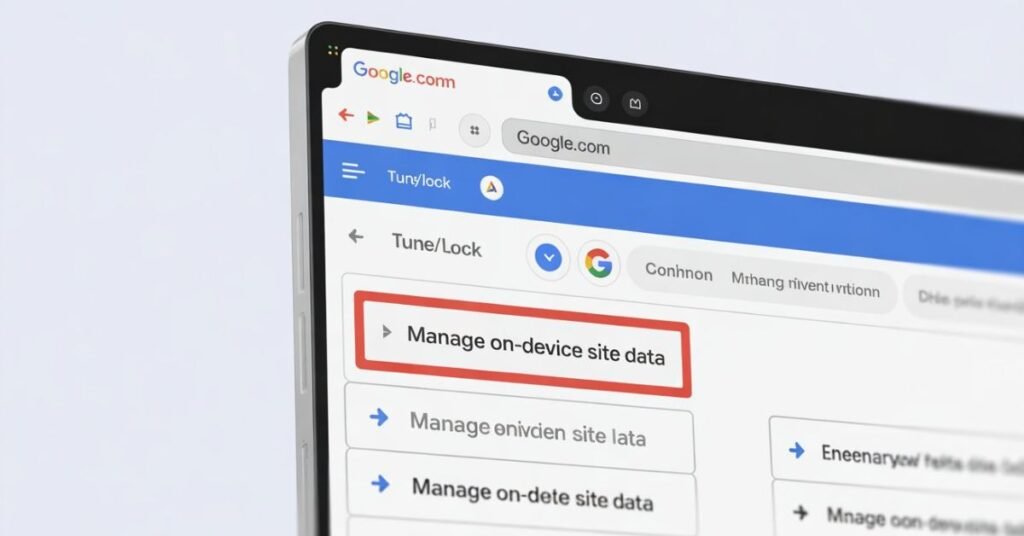
Do not clear all browsing data, as this removes AI preferences and unrelated logins. Use a targeted approach.
Execution:
- Navigate to the problematic domain (e.g., mail.google.com).
- Click the Tune/Lock icon in the address bar.
- Select Cookies and site data > Manage on-device site data.
- Delete entries only for that specific domain.
- Refresh and log in to generate a fresh authentication token.
Step 2: Resolve Google Drive for Desktop Sign-in Error
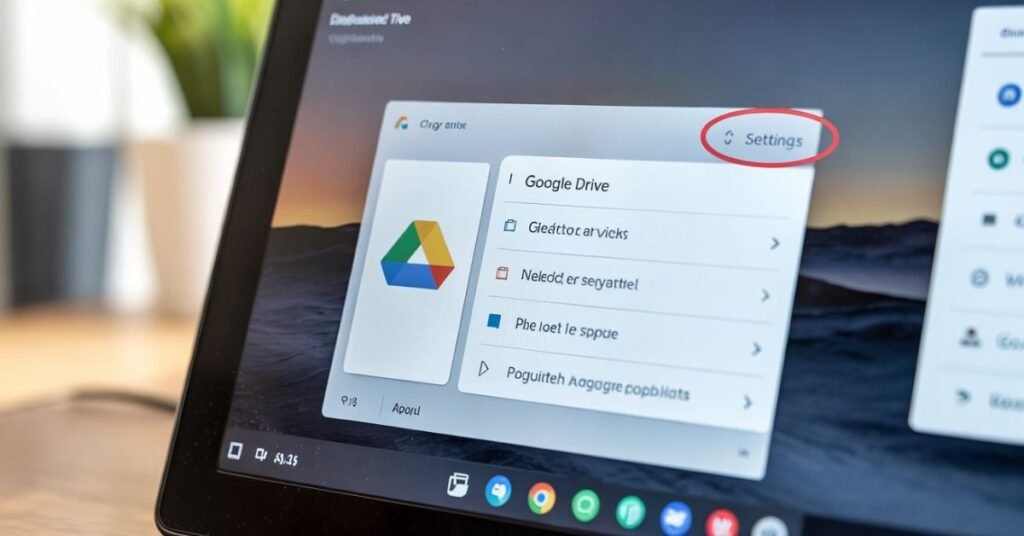
A common 2026 “Bridge Error” occurs when desktop sync tools lock a session token, preventing the browser from updating it.
The Fix:
- Fully Quit the Google Drive for Desktop app.
- Clear domain-specific cookies in your browser.
- Restart the browser and log in.
- Restart the Google Drive app to allow it to inherit the new Master Token.
Step 3: Repairing a Corrupted cookies.sqlite (Advanced)
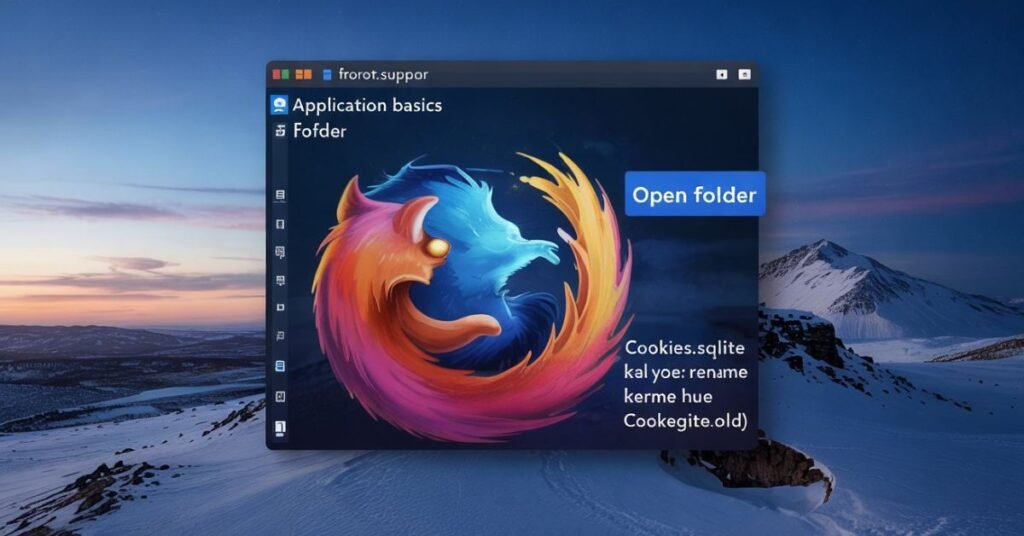
If errors persist across multiple sites, the underlying database may be damaged. The corrupted cookies.sqlite file must be reset to restore browser memory.
For Firefox/Brave Users:
- Go to Help > Troubleshooting Information.
- Open the Profile Folder.
- Close the browser completely.
- Rename cookies.sqlite to cookies.sqlite.old.
- Restart the browser to generate a fresh database.
Step 4: Incognito Mode Troubleshooting
Use Private/Incognito windows to isolate the cause. If the site works here, the issue is not the server or your ISP.
Diagnosis:
- Rogue Extensions: Ad-blockers often strip the SameSite cookie attribute to prevent tracking, which breaks modern logins.
- Persistent Local Storage: Regular windows retain data that Incognito does not.
- Action: Disable extensions one by one until the mismatch is resolved.
Step 5: Validating the SameSite Cookie Attribute
In 2026, browsers trigger a Browser Cookie Mismatch Error if a cookie lacks the Secure flag or has an incorrect SameSite configuration (e.g., SameSite=None without encryption).
Action: Ensure your browser is updated to the latest version. Developers frequently release compatibility patches for sites that haven’t updated their server-side headers to 2026 standards.
Summary Checklist for 2026 Cookie Errors
| Action | Why it works |
| Check System Clock | Cookies have expiration dates. If your PC thinks it’s 2024, it will reject 2026 cookies as “expired.” |
| Toggle Airplane Mode | Resets your local IP and clears any cached DNS entries tied to your session. |
| Verify SameSite Flags | Ensures the browser and server are using the same security language. |
| Check for Third-party blocking | If “Block all third-party cookies” is on, many “Sign in with Google/Apple” buttons will fail. |
Expert Insights: The Shift to Partitioned Storage
In 2026, we are seeing the rise of CHIPS (Cookies Having Independent Partitioned State). This means a cookie for “Site A” cannot be seen when you are on “Site B.” While this is great for privacy, it is the #1 cause of the authentication token mismatch when using “Single Sign-On” (SSO) providers.
If you are a developer or a heavy power user, always ensure your Privacy Sandbox settings are set to “Standard” rather than “Aggressive” if you rely on cross-site work tools.
FAQ
Q: Will clearing cookies delete my passwords?
A: No. Passwords are saved in your Password Manager. Clearing cookies only logs you out of active sessions.
Q: Why does Incognito Mode work when the regular window doesn’t?
A: Incognito ignores corrupted cookies.sqlite data and faulty extensions, providing a “clean slate” for the authentication token.
Q: Can a VPN trigger a cookie mismatch?
A: Yes. If your VPN changes your IP mid-session, the server may invalidate your cookie for security.
Q: Does “Third-party cookie blocking” cause this error?
A: Yes. If blocked, “Sign-in with Google” buttons on external sites will fail to sync, causing a login loop.
Q: What is a SameSite cookie attribute error?
A: It’s a security mismatch. If a site’s security flags don’t match your browser’s 2026 update, the cookie is rejected.
Q: How do I fix the Google Drive for Desktop sign-in error?
A: Quit the Drive app, clear your browser cookies, log in via the browser first, then restart the app.
Final Thoughts & Call to Action
The Browser Cookie Mismatch Error is the “Check Engine” light of the modern internet. It’s annoying, but it’s usually a sign that your browser is trying to protect your data from outdated or mismatched security tokens.
Still stuck in a login loop? Don’t wipe your whole computer yet. Drop a comment below with:
- The specific site you are trying to access.
- Whether it works in Incognito mode.
- Your current browser version.
I respond to all technical queries within 24 hours to help you get back to work!